
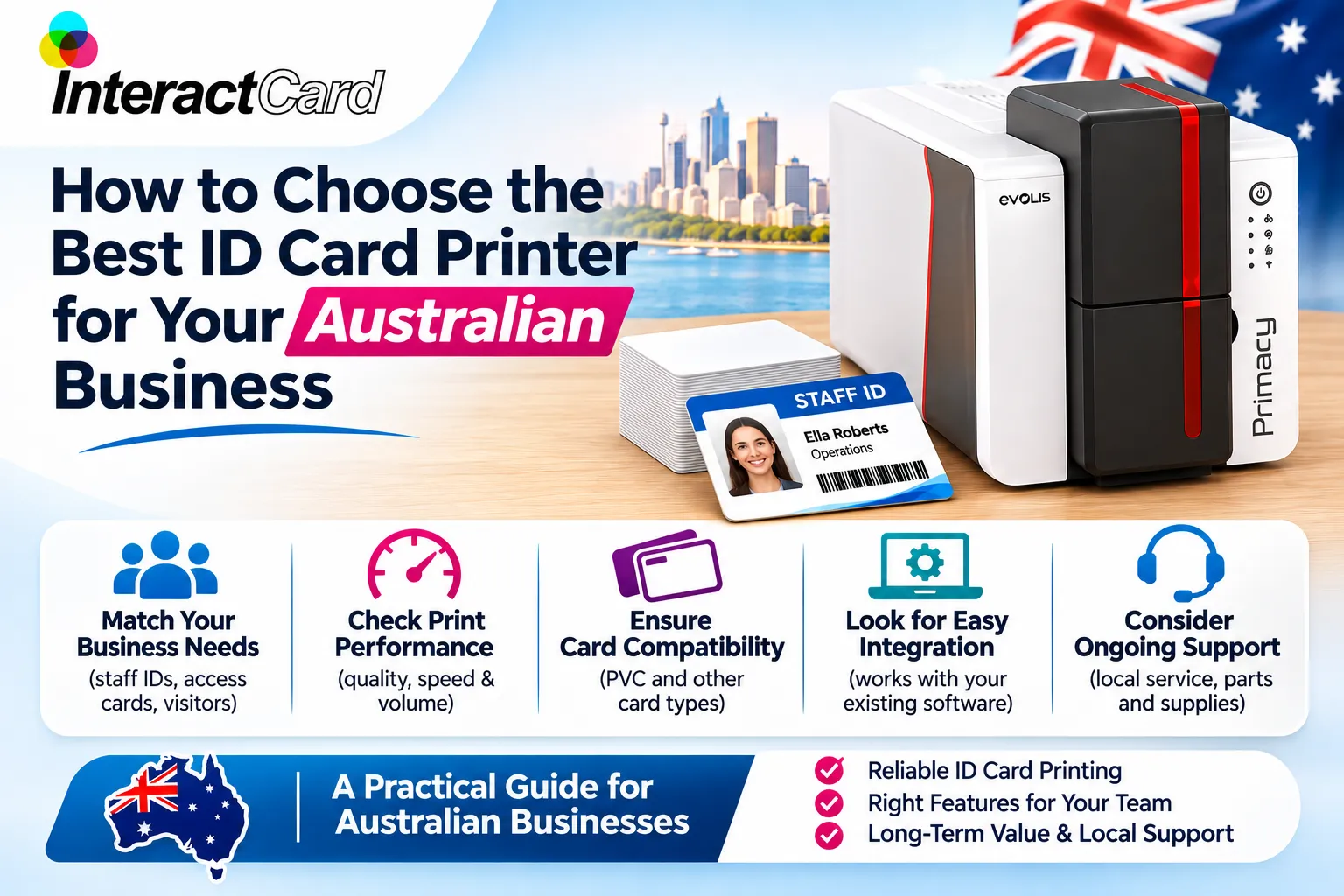
Quick Answer: The best ID card printer for an Australian business is the one that matches your card volume, card design and budget. Most offices and small businesses suit a direct-to-card printer, organisations needing premium or smart cards suit a retransfer printer, and universities need high-volume models. Local support and supplies matter too.
Every business has different identification needs. A small office might print a handful of staff badges each month, while a hospital or university may need hundreds of cards in a single week.
With different technologies, features and price points on offer, knowing where to start isn’t always easy.
If you’re researching an id card printer australia, the best option depends on how many cards you print, what they need to show and how often you’ll use the machine. This guide explains what to consider before you buy, from printer types and features to running costs and support.
Why Do Australian Businesses Need ID Card Printers?
An ID card printer lets you produce staff badges, student cards, membership cards, visitor passes and induction cards on-site, on demand. Instead of waiting days for an outside supplier, you can issue a card for a new starter or replace a lost one in minutes.
In-house printing also gives you full control over card design, branding and security features. Many workplaces pair cards with access control, although electronic access needs compatible cards and an encoding module.
What Types of ID Card Printers Are Available?
There are three main types, and each suits a different workload.
Direct-to-Card Printers
These transfer the design straight onto a plastic card from a ribbon. They’re affordable and handle most everyday badge printing. The Evolis Zenius 2 suits light single-sided use, while the Primacy 2 adds dual-sided and encoding options.
Retransfer Printers
These print onto clear film first, then fuse it to the card. The result is sharper, edge-to-edge printing that also covers uneven smart cards. They suit hospitals, government and high-security cards. The Evolis Agilia prints at 600 dpi.
High-Volume Printers
These are built for large, regular batches, with bigger card hoppers and faster output. The Evolis Quantum 2 suits universities and card production bureaus.
Which ID Card Printer Suits Your Type of Business?
Size your printer for your busiest period, not your quietest. Use this table as a starting point:
|
Business type |
Typical need |
Printer to consider |
|
Small office or retail |
A few staff badges a month |
Entry-level single-sided direct-to-card, such as the Zenius 2 |
|
Gym or club |
Regular membership cards with barcodes |
Mid-range direct-to-card, such as the Primacy 2 |
|
School |
A large batch before each term |
Dual-sided direct-to-card with batch printing |
|
Hospital or government |
Secure staff IDs and access cards |
Retransfer with encoding, such as the Agilia |
|
University or card bureau |
Thousands of cards per intake |
High-volume printer, such as the Quantum 2 |
These are general guidelines. A school that issues most cards in late January, for example, should check how long its printer will take to finish that first batch.
Should You Choose Single-Sided or Dual-Sided Printing?
Single-sided printing is enough when the photo, name and logo fit on the front. Dual-sided printing suits cards that also need a barcode, emergency contacts, an ID number or return instructions on the back.
When comparing an id badge printer, think about whether dual-sided printing will save enough handling time to justify the extra cost. If you’re unsure, choose a model that can be upgraded later, like the Primacy 2.
What Features Should You Look for in an ID Card Printer Machine?
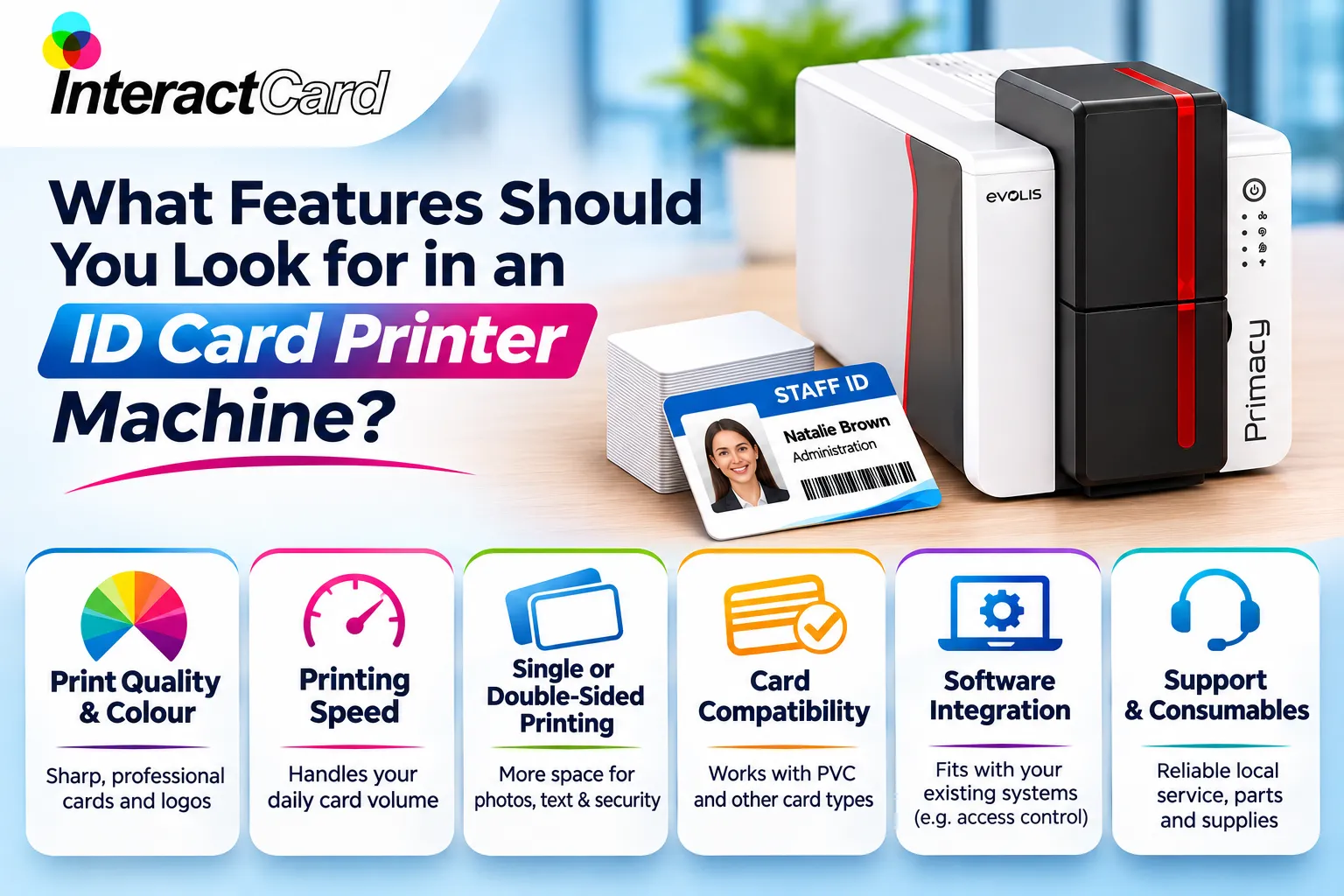
The right features depend on how your business issues cards. Check these five:
-
Print quality: 300 dpi suits most ID badges. Choose 600 dpi for fine text or detailed security designs, and ask for sample prints.
-
Software: Make sure the design software runs on your computers and can import names and photos from a spreadsheet or HR database.
-
Connectivity: USB suits one printing computer. Ethernet lets several authorised staff print from the network.
-
Card compatibility: Most ID cards are CR80 (85.6 × 54 mm) and 0.76 mm thick. Check the printer supports your card material.
-
Encoding: Access and attendance cards need magnetic stripe, contact chip or contactless encoding (such as MIFARE) that works with your system.
How Much Does an ID Card Printer Cost to Run?
Ribbons and blank cards make up most of the running cost, so compare cost per card, not just purchase price.
Before buying an id card printer machine, compare:
-
Ribbons: price and rated prints per roll
-
Blank cards: plain PVC, composite or smart cards
-
Cleaning supplies, software and spare parts
-
Wastage: misprints and damaged cards
Example (illustrative figures): if colour printing costs about $0.50 per side and each blank PVC card costs $0.35, printing 500 single-sided staff cards a year comes to roughly $425 in consumables, before misprints. Monochrome ribbons cost far less per print for text-only cards.
A pricier printer can still be better value if its consumables suit your volume.
Why Are Maintenance and Support Important?
Dust, fingerprints and card debris cause streaks, jams and printhead damage, so follow the manufacturer’s cleaning schedule and use its cleaning kit.
Support matters just as much. When buying an ID card printer machine in Australia, choose a supplier with local technical help, a clear warranty and ribbons and cards in stock in Australia, so a breakdown doesn’t stop you issuing cards during a busy intake.
Why Choose InteractCard Australia?
-
Authorised Evolis distributor of genuine printers, ribbons and parts
-
A full range: Zenius 2, Primacy 2, Agilia retransfer and high-volume Quantum 2
-
Supplies in one place: ribbons, blank cards, cleaning kits, lanyards and design software
-
Same-day dispatch on orders placed before 2pm on business days
-
Local support from the Melbourne-based team
Frequently Asked Questions
What is the best ID card printer for a small business?
A compact single-sided direct-to-card printer suits most small businesses. It produces staff badges and visitor passes at a low cost per card. Pick an upgradable model if you may need dual-sided printing later.
What is the difference between an ID badge printer and an ID card printer?
There’s no strict technical difference. “ID badge printer” usually describes a compact model for staff and visitor badges, while “ID card printer” covers the full range, including retransfer and high-volume machines.
Can an ID card printer produce membership cards?
Yes. The same printer can print membership, loyalty, staff and visitor cards, as long as you use compatible card stock.
Can an ID card printer make access control cards?
Yes, if it has the right encoding module, such as magnetic stripe or contactless. Confirm compatibility with your access control system first.
Are ID card printers difficult to maintain?
No. Routine cleaning with the manufacturer’s kit takes a few minutes. Following the recommended schedule keeps prints sharp and protects the printhead.
Is in-house ID card printing worth it?
It’s usually worth it if you regularly issue or replace cards. Compare printer and consumable costs with outsourcing fees and waiting times before deciding.
Conclusion
The best ID card printer in Australia isn’t the most expensive or feature-packed model. It’s the one that fits your card volume, design, software and budget. Compare printing technologies and cost per card, check local support, and choose an ID badge printer with room to grow.
About Interact Card
InteractCard has specialised in ID card printing for more than 20 years. Based in Wantirna South, Melbourne, it’s an authorised Evolis distributor supplying ID card printers, consumables and card design software to businesses, schools, clubs, RTOs and government organisations across Australia.
